Drag & drop in the editor
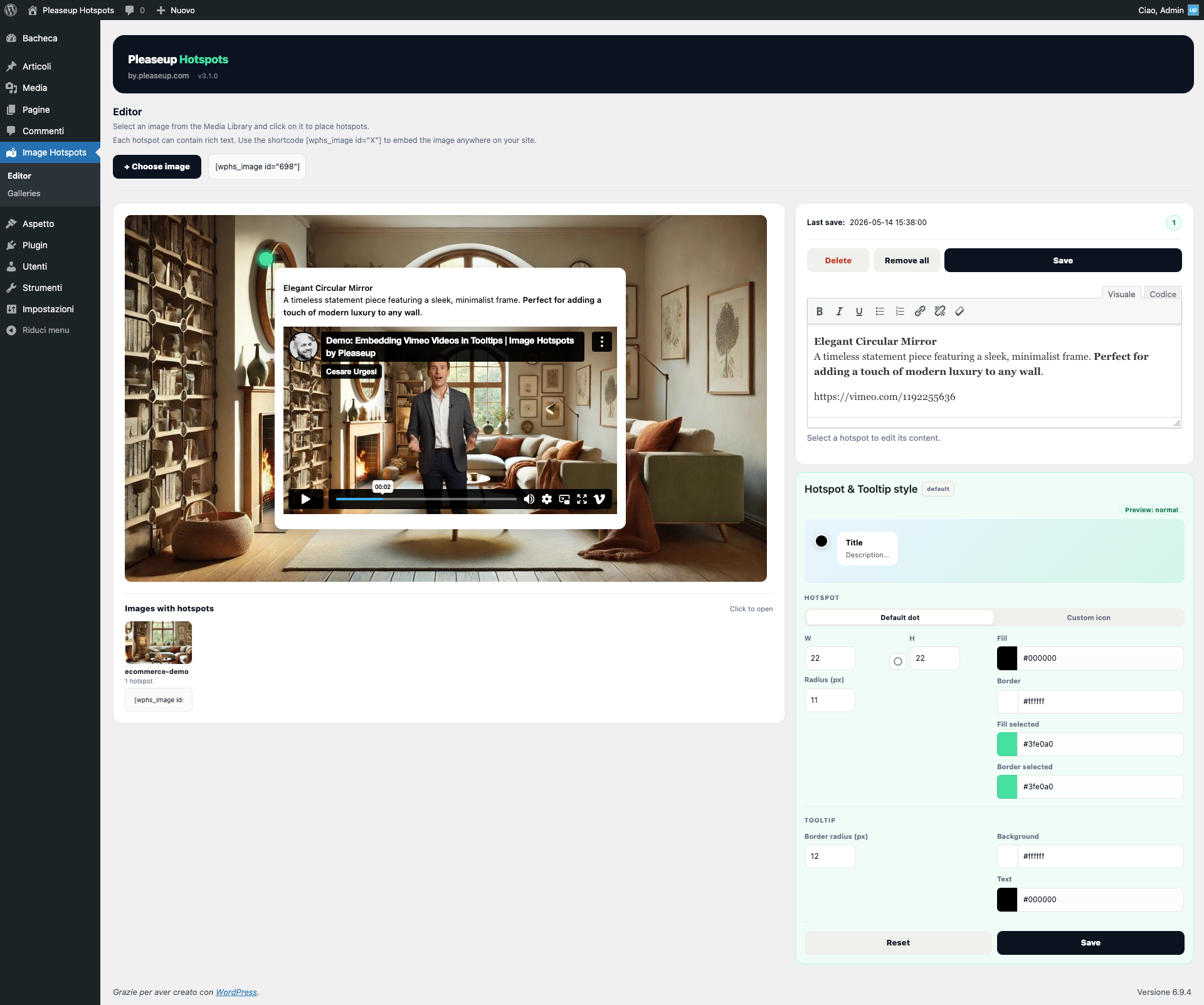
Add and move hotspots directly in WordPress. No code, no line to write.
Image Hotspots
Add interactive points to any WordPress image. Drag & drop, no code, free content.
+99%
User satisfaction
100%
No code required
+94%
Theme compatibility
∞
Hotspots per image
How it works
01 — Choose
Pick any image already uploaded. Works on posts, pages, WooCommerce products.
02 — Position
Add a point with a click on the image. Drag it where you want. Zero code, zero pixels by hand.
03 — Write
Write text, links or any HTML in the built-in box. Save. The tooltip appears on the image.
Add and move hotspots directly in WordPress. No code, no line to write.
Text, bold, links, buttons — the content is completely free. Write whatever you want.
Use any image as an interactive point. Your brand, your icon, your style.
Works with all WordPress editors. Compatible with your current workflow.
Compatible with any WordPress theme, including heroes with full-screen images.
No limit on the number of points per image, on any number of images on the site.
Download it from WordPress.org in less than a minute.